Which Charger Do You Need for Your iPhone? A Simple Guide
Confused about iPhone chargers? Learn the difference between USB-C and Lightning, what fast charging needs, how MagSafe and Qi2 work, and what to look for when buying.
This post contains affiliate links. As an Amazon Associate I earn from qualifying purchases. Affiliate disclosure.
Apple stopped including a power adapter in the box with new iPhones years ago, so lots of people end up guessing at which charger to buy. This guide explains what actually matters, in plain language, so you can pick a charger that's safe, fast, and works with your iPhone.
Step 1: Figure out which port your iPhone has
- iPhone 15 and later use USB-C.
- iPhone 14 and earlier (back to the iPhone 5) use Lightning.
Not sure which you have? Go to Settings > General > About and look at Model Name.
Step 2: Understand fast charging
Fast charging lets supported iPhones (iPhone 8 and later) charge much faster for the first part of the battery. To get it, you need two things:
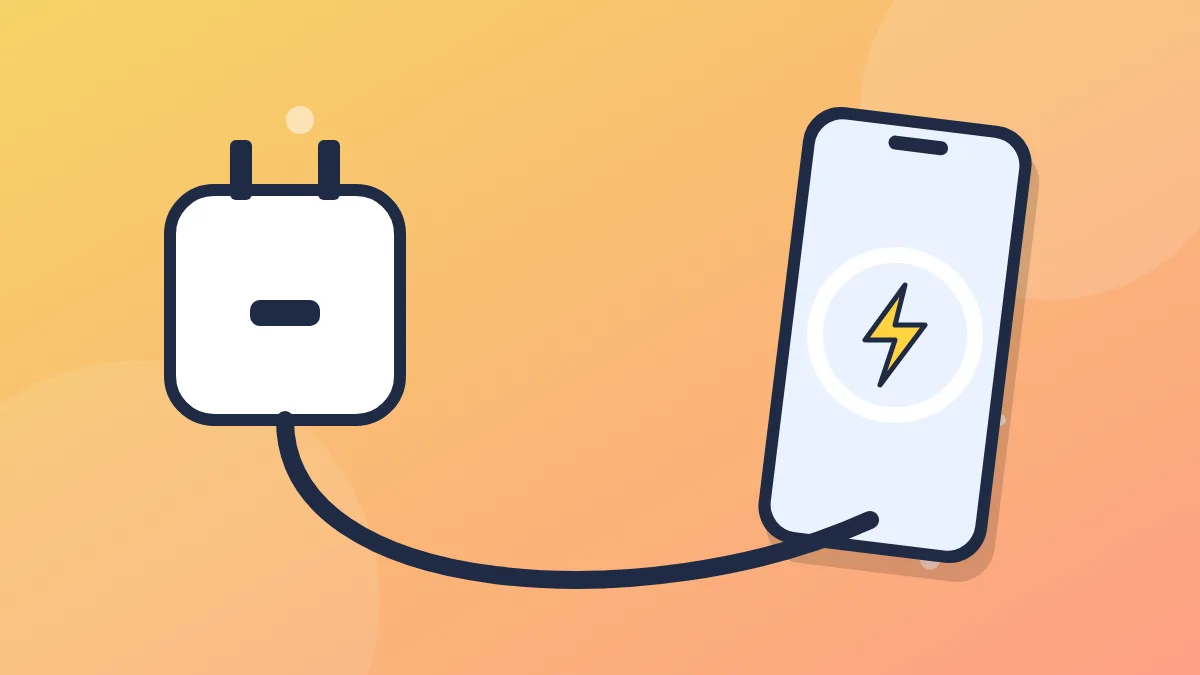
- A USB-C power adapter that supports USB Power Delivery (USB-PD). Apple recommends an adapter of at least 20 watts for fast charging.
- The right cable: a USB-C to Lightning cable for older iPhones, or a USB-C to USB-C cable for iPhone 15 and later.
The old square USB-A cubes (like the 5-watt adapter that came with older iPhones) still work, but they charge much more slowly.
Step 3: Don't worry about "too much" power
A common worry is whether a higher-wattage charger, like a 30-watt or laptop charger, will damage your iPhone. It won't. With USB Power Delivery, your iPhone and the charger communicate, and the phone only draws as much power as it can safely handle. A higher-wattage charger can be handy because you can share it with an iPad or laptop.
Step 4: Pick a safe, quality charger
Cheap, uncertified chargers can be unreliable or unsafe. Look for:
- Reputable brands with clear specifications.
- MFi certification for Lightning cables ("Made for iPhone"), which means the cable meets Apple's standards.
- Safety certifications printed on the adapter, such as UL or similar marks.
- USB-PD support listed on the box.
Avoid unbranded chargers with no specs and listings with prices that seem too good to be true.
Step 5: Consider GaN chargers
Many newer chargers use GaN (gallium nitride) components. GaN chargers are often smaller and run cooler than older designs at the same wattage. They're a nice choice if you want a compact charger, especially a multi-port one to charge your phone and another device together.
Step 6: Wireless charging options
All iPhones from the iPhone 8 onward support wireless charging. There are a few kinds:
Qi (standard wireless charging)
The basic, widely supported standard. Place your iPhone on the pad and it charges. It's convenient but generally slower than a cable.
MagSafe
Available on iPhone 12 and later (except the iPhone SE and iPhone 16e). MagSafe chargers snap magnetically to the back of your iPhone so they're always aligned, and Apple's MagSafe charger can charge faster than basic Qi pads on supported models when paired with a strong enough power adapter.
Qi2
Qi2 is a newer wireless standard that includes magnetic alignment based on MagSafe. Supported iPhones can charge on Qi2 chargers with magnetic alignment, often at higher speeds than original Qi pads. When shopping, look for "Qi2 certified."
Step 7: Chargers for the car and travel
- Car chargers: Look for a USB-C car charger with USB-PD for fast charging on the go.
- Power banks: A portable battery is great for travel. Check that it supports USB-PD output, and note that airlines have rules about carrying power banks, usually in carry-on bags only.
- Travel adapters: A multi-port GaN charger can replace several bricks in your bag.
Step 8: Protect your battery while charging
The charger you pick matters, but so do your habits:
- Avoid heat. Don't charge under pillows or in direct sun. Some cases can trap heat during charging; if your phone gets very hot, remove the case.
- Use Optimized Battery Charging. Go to Settings > Battery > Charging (or Battery Health & Charging) and leave Optimized Battery Charging on. On iPhone 15 and later you can also set an 80% Limit.
- Don't stress about overnight charging. iPhones manage charging automatically, so leaving it plugged in overnight is fine.
Troubleshooting: iPhone not charging
- Try a different cable and adapter.
- Look inside the port with a flashlight. Lint often builds up there. Gently remove it with a wooden toothpick, never anything metal.
- Restart your iPhone.
- If you see "Accessory Not Supported," the cable may be damaged or uncertified.
- If a "Liquid Detected" alert appears, unplug it and let the port dry before charging again.
Quick summary
- iPhone 15 or later: USB-C to USB-C cable plus a 20W+ USB-PD adapter.
- iPhone 8 to 14: USB-C to Lightning cable plus a 20W+ USB-PD adapter.
- Wireless: MagSafe or Qi2 for magnetic, faster wireless charging on supported models.
- Always choose reputable, certified chargers and cables.